Turn the web into beautiful PDFs.
Save web pages, AI conversations, notes, research and more as clean, readable PDFs — without the mess of screenshots or copy-pasting.

Research Notes
PDFSimple. Clean. Useful.
ChatPaper focuses on doing one job exceptionally well: turning content on your screen into a polished PDF.
Works on any website
Save useful pages, articles, documentation, notes and other web content without changing how you browse.
AI chats included
Export conversations from ChatGPT, Gemini, Claude and other supported AI websites into readable documents.
Beautiful PDF output
Keep headings, lists, tables and the structure that makes your content easy to read and study.
How it works
No complicated workflow. Just open, click and export.
Open a page
Browse normally and open the content or conversation you want to save.
Click ChatPaper
Use the extension to prepare the page for a clean PDF export.
Get your PDF
Export and keep a polished copy for reading, sharing, printing or studying.
Made for the modern web
From AI conversations to everyday research, ChatPaper fits into the way you already browse.
See the difference
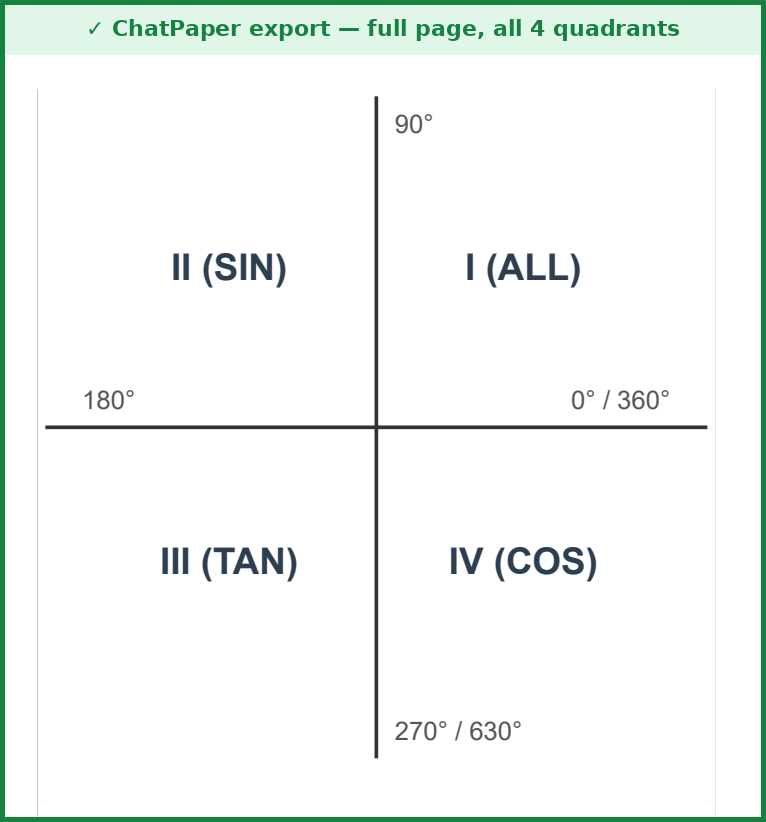
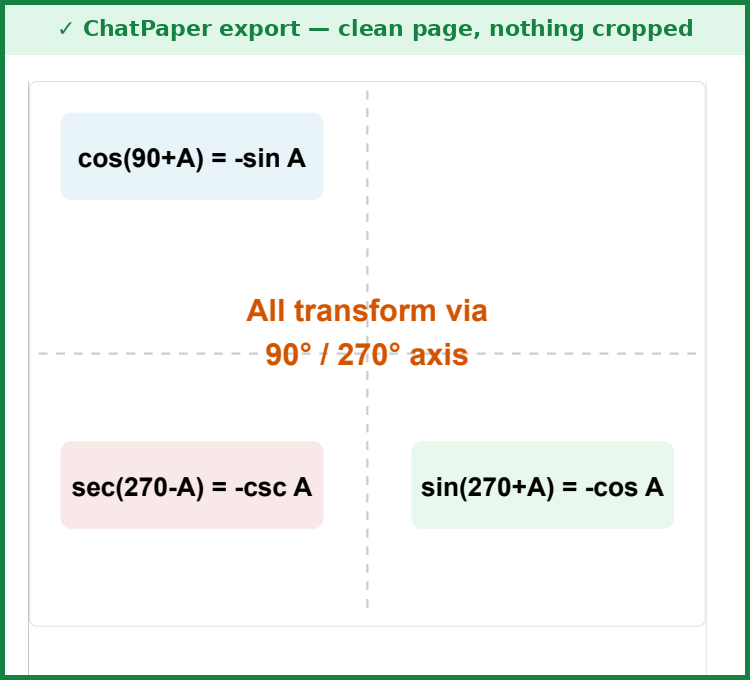
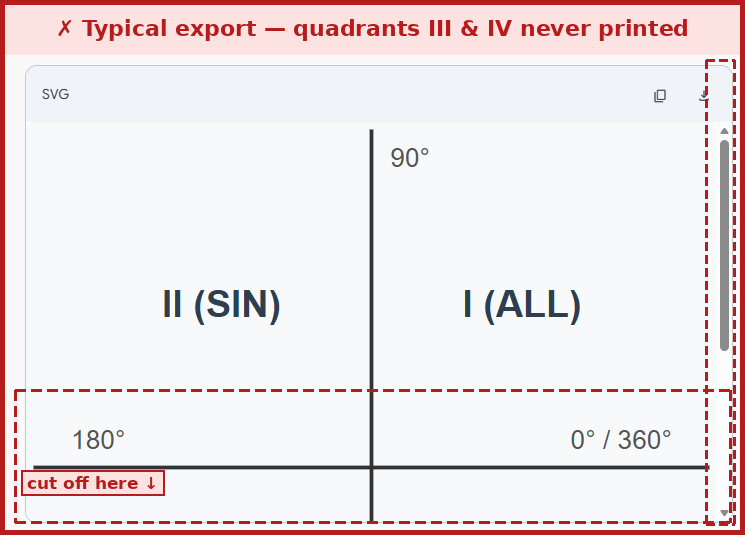
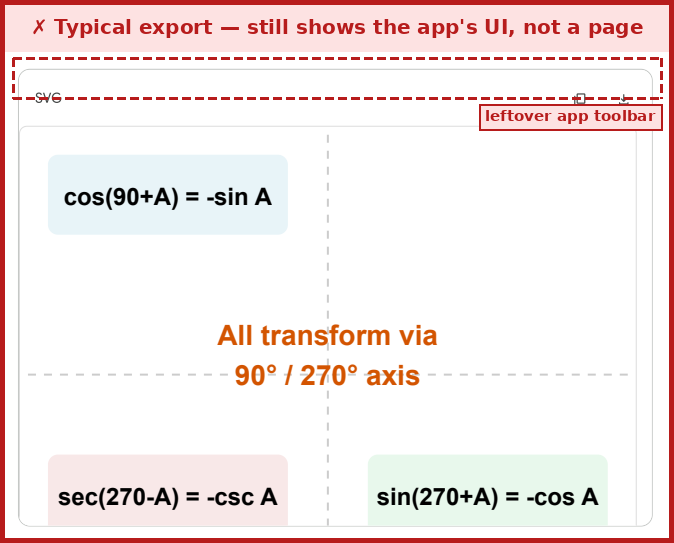
Most export tools cut the page off mid-scroll and leave their own toolbar sitting in the file. ChatPaper doesn't.
Choose your plan
Start simple. Upgrade when you need more.
Free
For occasional exports.
- 5 exports / month
- Works on supported websites
- Core formatting
Pro
For frequent users and serious workflows.
- 1,000 exports / month
- Use on up to 3 devices
- Advanced export controls
- Priority improvements
- Future Pro features
Best Value
Unlimited exports, billed once a year.
- Unlimited PDF exports
- Use on up to 3 devices
- Advanced export controls
- Priority improvements
- Future Pro features
Frequently asked questions
Does ChatPaper only work with AI chats?
No. ChatPaper is designed for web content too. AI conversations are one important use case, not the only one.
Do I need to upload my content?
No. ChatPaper builds the PDF directly in your browser using the print pipeline — nothing is uploaded to a server. See our privacy policy for details.
What happens after 5 free exports?
The Free plan resets to 5 exports every month. Upgrade to Pro for 1,000 exports/month, or Best Value for uncapped exports.
Can I use my account on more than one device?
Yes — Pro and Best Value accounts can be active on up to 3 devices at a time. Accounts are for individual use; each account's key shouldn't be shared beyond your own devices.
Can I use it for study material?
Yes. It is especially useful for saving explanations, research, notes and long AI conversations as printable PDFs.
Will more features be added?
Yes. The product can grow over time while keeping PDF export as its core experience.
Your account
Sign up free — upgrade any time from the pricing above.
or continue with email
Make the web worth keeping.
Turn the pages and conversations you care about into clean PDFs with ChatPaper.
Install ChatPaper